Describe it. Photograph it. Machine it.

AI-powered CAD, CAM, laser and electronics.

Ask HelioAI in plain words, or photograph a part.

$9.99a month. One plan, every feature.

Cancel anytime · no install

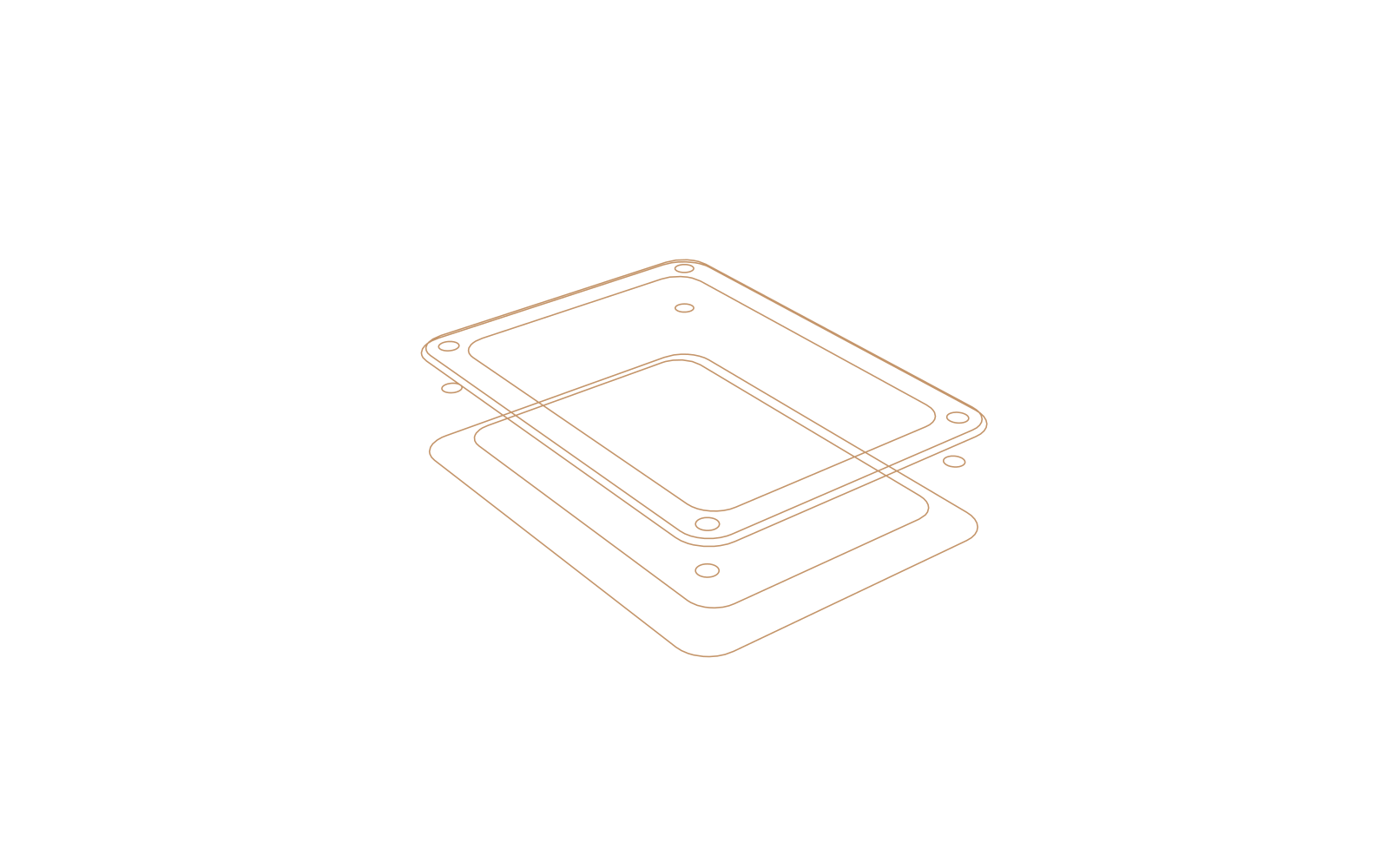
Enclosure base 80 × 60 × 14 mm, 6 mm walls, four M3 holes
  • Design
  • Manufacturing
  • Laser
  • Electronics
  1. Steps4 / 4
  2. Body 80 × 60 × 14corners R6
  3. Pocket, 6 mm walls3 mm floor
  4. 4× Ø3.4 holes8 mm deep
  5. Chamfer 0.8 mmouter top edge
  6. Height 14 → 20 mm

Watch it build

Every step lands as a feature you can open and edit.

One plan, every feature
Cancel anytime
No install — runs in your browser
Works on your phone — install as an app
No lock-in — export anytime
Try it here

Build a part. Change it. Make it.

Four parts, built ahead of time by the HelioCad engine: the geometry, the toolpaths and the G-code on screen are its real output. Pick one or describe your own, with no sign-up.

01 Describe it

What you type stays in your browser. This demo sends nothing.

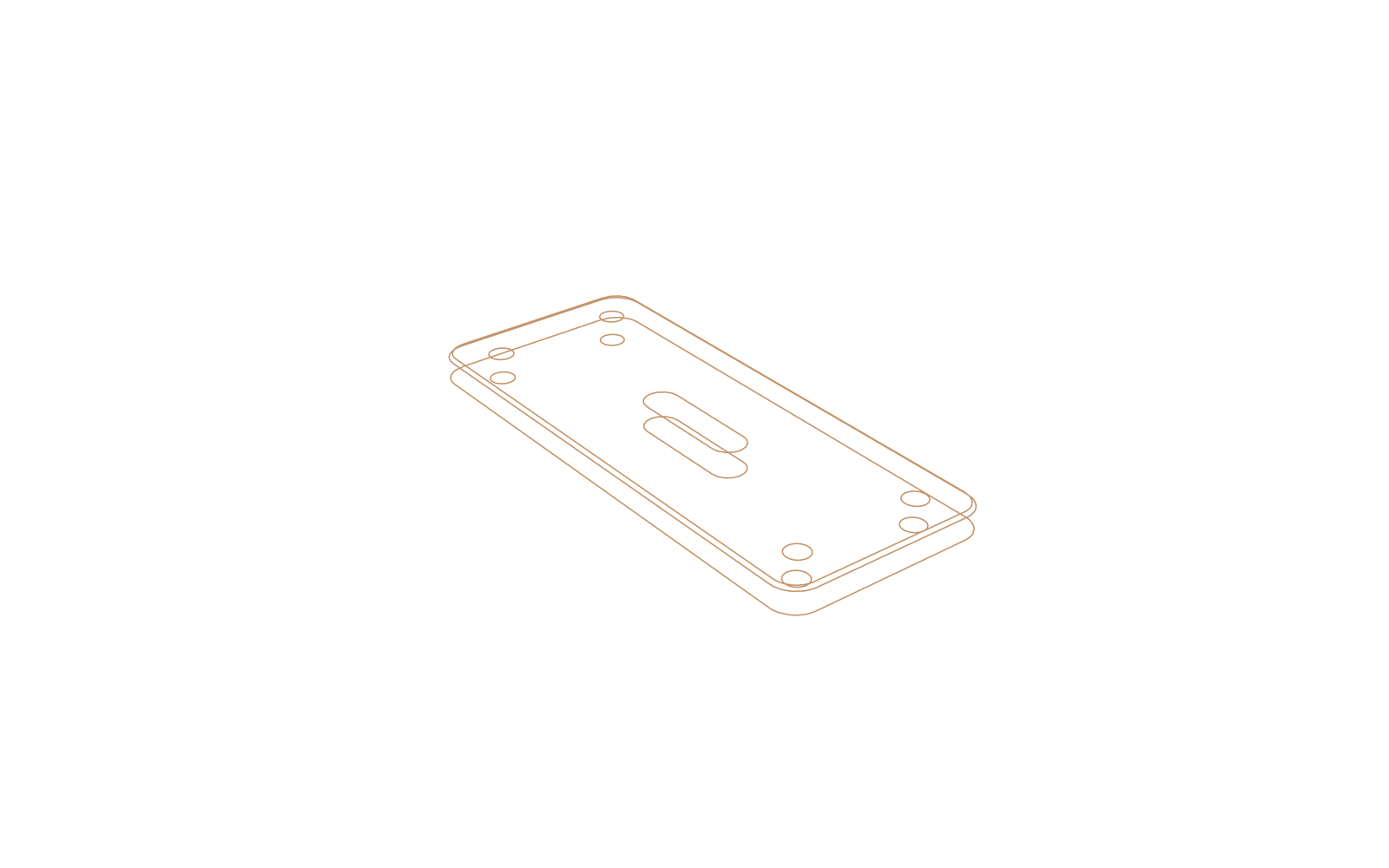
Line drawing of the mounting plate

Mounting plate 90 × 50 × 6 mm, four M5 holes and a 30 mm slot

  1. Steps4 / 4
  2. Plate 90 × 50 × 6corners R6
  3. Slot 30 × 8through
  4. 4× Ø5.5 holesM5 clearance, through
  5. Chamfer 0.8 mmouter top edge

02 Change it

Length90 mm

The part rebuilds around the new size, and each size has its own program.

03 Make it

Mounting plate90 × 50 × 6 mm

4 editable steps, built by the HelioCad engine

Volume 24.8 cm³Pre-built: nothing is generated here

Get HelioCad Pro

Your own parts, from your own words. Cancel anytime.

One platform, end to end

Design it. Wire it. Machine it. Mark it.

From a text prompt to machine-ready G-code, without switching tools or exporting files between them.

Design

Describe it. Watch it build. Watch it check itself.

Type or speak what you need, or drop in photos, drawings and caliper measurements. HelioAI writes real parametric CAD, renders it in seconds, then measures its own model and fixes any dimension that is off. It reads spec sheets, pulls dimensions from drawings, and researches real parts on the web when it needs facts.

See AI and modeling
L-Bracket · 1 body
Measured: 160.02 ✓ 180.00 ✓ Ø13.0 ✓
ChatChatAdjust modelAdjust model
Review AI changes before applying (beta)
HelioAI
Describe what you want to make.Or start with one click:
2" cube, rounded edgesM8 washerPhone standFlange with bolt holes
Rebuild this bracket from my photos — match my caliper measurements.
bracket_photo.jpg calipers: 160.0 / 180.0 / 8.0 mm
ReasoningGenerating
Thinking · 1,240 words
Sketching the profile on XY, then extruding…
0:060:14 · Usually about a minute; complex parts take longer.
result = (cq.Workplane("XY")
.rect(160, 180).extrude(8)
.faces(">Z").workplane()
.rect(120, 140, forConstruction=True)
.vertices().hole(13).edges("|Z").fillet(2))
Rebuilt the bracket from your photos: 160 × 180 mm, 8 mm thick, four Ø13 mm holes on an even pitch, 2 mm inside fillets. Review the steps below and apply.
Proposed changes · 3 opsReview
Sketch on XY160 × 180
Extrude8 mm
Holes Ø13 ×4 + Fillet 2 mmeven pitch
ApplyDiscard
Collapse chat

Edit exact values here. Use Chat to add features or change the design.

Selected feature
Extrude001 · 8 mm
Model parameters
panel_length ⓘ 160.00184.00
thickness ⓘ8 mm8.00
hole_dia ⓘ13 mm13.00
Placement
Measured overall size
+Reply…
Agent HelioAIHELIO 1.5↑
0/03/3Sketch001Extrude001Extrude001EDITINGHole Pattern
6Pinned2Sketch21Create22Modify5Sculpt6Surface5Inspect4Make3Parts9ViewAI
Ready14 faces · 96 verts · 188 tris · 142 msSaved 1m agoMMIN
L-BracketSaved · just now
DesignManufacturingElectronicsModel
DownloadFind anything⌘KDM
Electronics

Design the board, not just the box

Draw the schematic from a library of about 22,000 parts, let HelioAI wire it from a sentence, check it, autoroute the PCB, simulate the circuit and export Gerbers, drill files and a priced BOM, in the same project as the enclosure.

  • Autorouter, copper pours, differential pairs, up to eight layers and a 3D board view
  • Design review with one-click fixes, and datasheet questions answered with the page cited
  • Make a case for the board in Model, check the fit, and update the case when the board changes
See everything in Electronics
Clearance ✓ · 0 unrouted
Top · F.Cu · 60 × 40 mm3D · library part models
LayersNetsChecks
Layers · 4
F.Cutop
B.Cubottom
F.Silk
Edge
Nets · 1410 unrouted0 unrouted
GNDpour
3V3power
SDAI²C
SCLI²C
USB_D+diff pair
USB_D−90 Ω · ±0.1 mm
What shall we make?
2Edit3Board3Route2Check2Make9ViewAI
Lay out and route your circuit board.4 layers · 128 tracksSavedMMIN
Sensor-Node.heliocadSaved · just now
DesignManufacturingElectronicsPCBBeta
CircuitCheck circuitBoard layoutRouting5Check board6Make it
CircuitCheck circuitBoard layout4Routing5Check board6Make it
DownloadFind anything⌘KDM
Machining

G-code your machine will love

From 2.5D pockets to 5-axis simultaneous on your own machine's kinematics, with 21 built-in controller posts. Stay-down linking, arc fitting, and chip-thinning-aware feeds cut real cycle time — and AI Orchestrate plans stock, setup, and tooling from one sentence.

See machining and CAM
Setups
▼Setup1
Stock 200 × 180 × 10
WCS G54
Origin Top-Left
▼Tools
6mm Flat
3mm Ball
4mm Drill
10mm Flat
▼Operations
No operations
Face001
Contour001
Drill001 ×4
What shall we make?
4 / 4Setup1Face001Contour001Drill001 ×4
2Setup5Operations1Tools2Toolpath1Simulate9ViewAI
ReadySavedMMIN
L-BracketSaved · just now
DesignManufacturingElectronicsManufactureBeta
DownloadFind anything⌘KDM
Laser

Run your laser straight from the browser

Jog, frame, hold-to-fire, and run over USB — GRBL and Ruida DSP alike — with live playback of the head on the bed, an overhead camera or a printable 1:1 placement jig for exact positioning, and Print and Cut for printed sheets.

See laser and 3D printing
Laser· Machine control
● Connected — USB○ Disconnected
CAM · BED PROJECTION
400 × 300 mm
⏱ 04:12⏱ 02:05
Job complete ✓
Ruida 6445G · USBConnect USB
▲◀⌂▶▼
X26.600.0048.20mm
Y38.500.0062.00mm
FrameRunPause
JOB PROGRESSPass 2 of 2Pass 1 of 2
Ruida DSP · direct USB
GRBL & Ruida over Web Serial · Chrome & Edge

And everything around it

Analysis, sketching, rendering, measuring and the rest, in the same project.

Analyze

Know it holds

Static, thermal, and modal FEA with animated stress overlays and shareable reports.

Explore →
Design

Constraint-solved 2D

Full sketcher — type-to-dimension with an inline calculator, snaps that become real constraints, and a 3D Peek at the solid.

Explore →
Manufacture

Solid → casting mold

A 7-step wizard splits any part into a multi-part mold — parting, draft, sprue, and vents — with an AI gating plan.

Explore →
Inspect

Hover, read, pin

Instant readouts on any face or edge, pinned pairs, and exact B-Rep distances — plus Auto Measure and mass properties.

Explore →
Present

Path-traced, live in the viewport

Live Realism resolves a path-traced preview while you orbit; saved shots and output limits turn it into the final still.

Explore →
Capture

Photos → drawing → solid

Photograph a part, calibrate with one known length, confirm the AI's dimensions — get a drawing and a solid.

Explore →
Everywhere

Speaks 13 languages

Interface, HelioAI replies, and account emails in your language — switch any time.

Explore →
Export

Export anywhere

STEP, IGES, STL, OBJ and more — any CAD or print workflow.

Explore →
And still counting

14 workspaces, one browser tab.

See all features →
Capture

The part in your hand, in CAD in minutes

Open HelioCad on your phone. A guided capture walks you around the part shot by shot, the AI rebuilds it as a clean parametric model — not a mesh — and one caliper measurement locks in true scale. Then check it against reality: view any model in AR, right on your bench.

  • Guided multi-photo capture
  • AI rebuild with caliper-seeded dimensions
  • AR viewing + installable mobile app
See how phone scanning works →
HelioCad·Scan to CAD
Phone Scan
Shot 1 of 8Shot 4 of 8Shot 8 of 8
📏 Seed dimension · 160.0 mm
Rebuilding with AI…
Parametric model · 1 body
160 × 180 × 8 mm ✓
View in AR
Add HelioCad to Home Screen

One price. Every feature.

No tiers and no add-ons: 5-axis CAM, electronics, laser and HelioAI are all in the one plan.

HelioCad Pro

$9.99/month

Or $89/year, which saves 26%

  • Every CAD, CAM, Laser and AI feature
  • Parametric, surface and sheet metal modeling
  • 3-, 4- and 5-axis CAM with simulation and industrial posts
  • Laser engraving and cutting, including true-shape nesting
  • Electronics, reverse engineering, FEA and mold making
  • 500 HelioAI credits/month, rolling over
Get HelioCad Pro

Cancel anytime

The same shop floor, priced elsewhere

HelioCad Pro
$9.99/month
5-axis CAM, electronics, laser and HelioAI included.
Autodesk Fusion
$85/month
List price in USD. 5-axis machining needs the paid Manufacturing Extension on top.
Mastercam
Quote only
No published price list. Sold through resellers, by quote.

Other products' prices are their vendors' published US list prices, checked November 2026. See the full comparison →

Questions before you start

What does HelioCad Pro include?

Every CAD, CAM, Laser and AI feature, for $9.99/month or $89/year: parametric modeling, 3- to 5-axis CAM with simulation and 21 built-in post-processors, laser engraving and cutting, electronics, reverse engineering and FEA.

Is there a free plan or free trial?

No. HelioCad has one paid plan, and you can cancel anytime.

What controllers do you support?

Generic G-code, hobby controllers (Grbl, LinuxCNC, Mach3/4, Masso, Centroid, Smoothieware), and industrial posts including Siemens 840D, Fanuc, Haas, Mazak, Okuma and Heidenhain. Laser support covers GRBL, Ruida CO2 and EzCad fiber/galvo.

What are AI credits?

Credits pay for AI requests such as generating a part, editing geometry, or planning a toolpath. Pro includes 500 credits a month, and unused credits roll over. More capable models use more credits per request.

What happens to my projects if I cancel?

You keep access until the end of the period you paid for. After that your projects stay saved, and they're there when you subscribe again.

Is annual billing cheaper?

Yes. $89/year instead of $119.88, which saves 26%.

More answers on the pricing page →

Ready to go from prompt to part?

From a sentence — or a photo — to a finished part, all in your browser.

Get HelioCad Pro

One plan · every feature · cancel anytime

$9.99/month · every feature · cancel anytime

Get HelioCad Pro